Skip to content
Skip to main content
Accessing OneDrive from a Browser
- In any browser, sign into the Office 365 portal at portal.office.com.
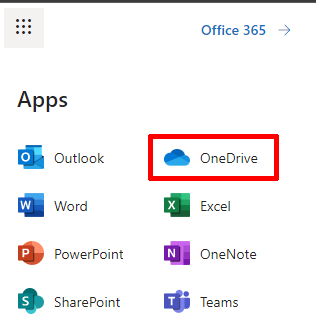
- Click the waffle icon in the upper left-hand corner.

- Click OneDrive in the list.
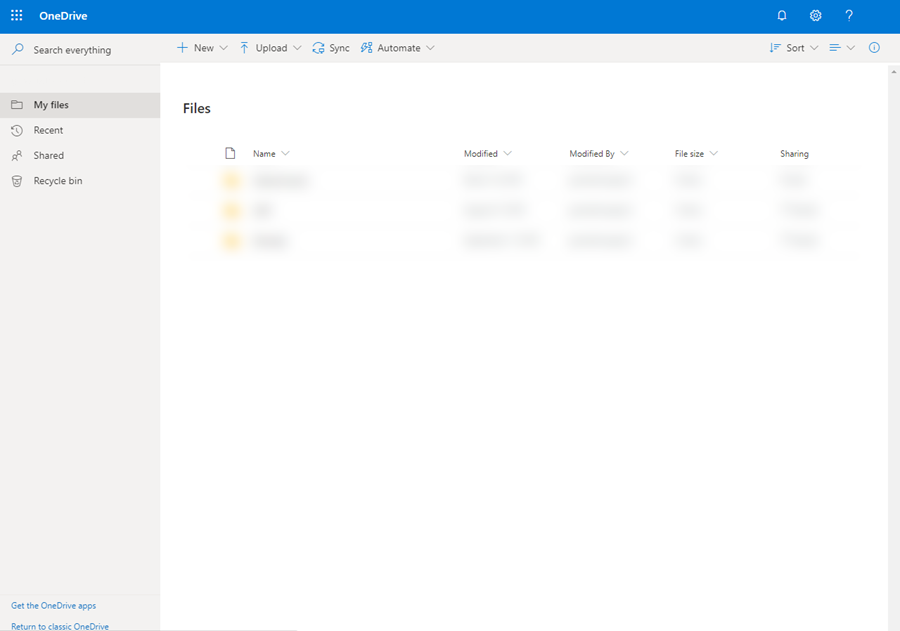
- Your OneDrive and its contents will be shown. For more information about utilizing OneDrive, click here.
The owner of this website has made a commitment to accessibility and inclusion, please report any problems that you encounter using the contact form on this website. This site uses the WP ADA Compliance Check plugin to enhance accessibility.
